

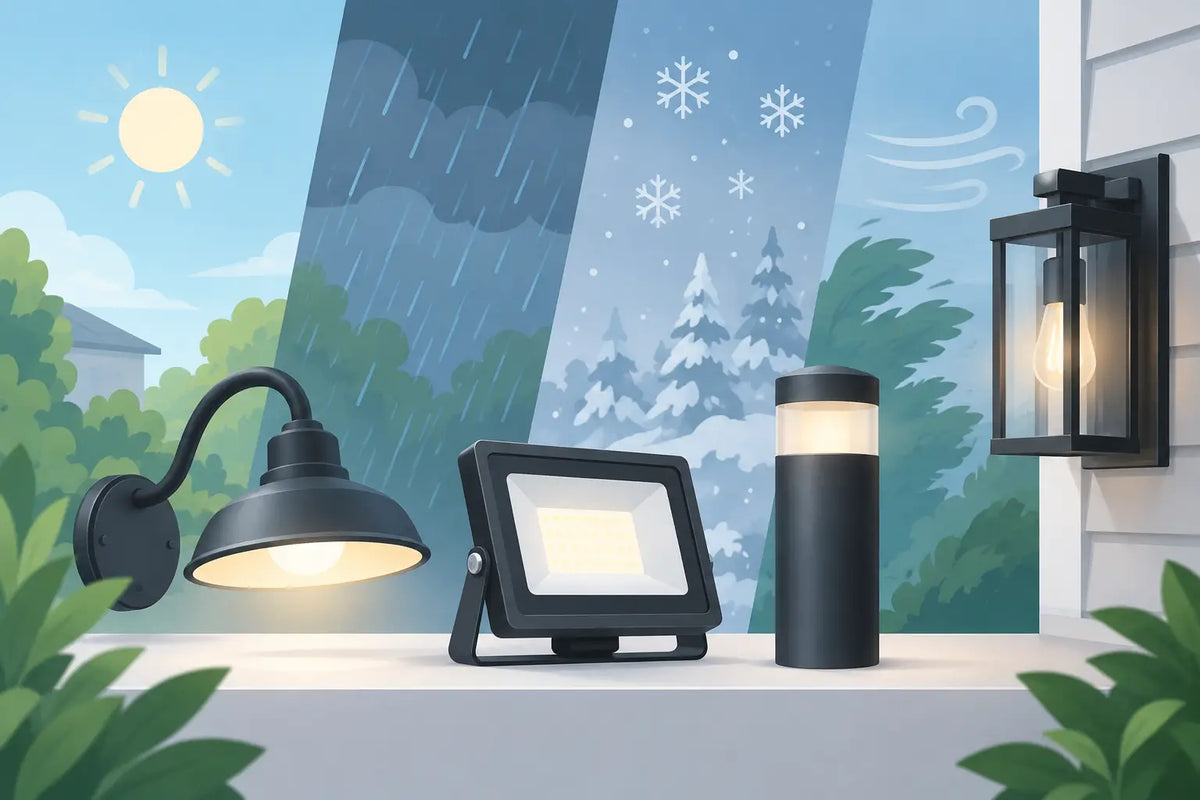
A permanent lighting install should not depend on adhesive alone, especially when the first summer heat wave, hard rain, or freezing night hits. This guide to weatherproof light hardware focuses on the parts that keep Govee outdoor lights aligned, supported, and looking intentional long after installation day.
For most homeowners, the lights are the exciting purchase. The mounting hardware is what determines whether the finished roofline looks clean for years or starts to sag, shift, and pull away from the surface. The right approach is not simply adding more clips. It is choosing hardware that fits the light system, the mounting surface, and the conditions around your home.
Start With the Surface, Not the Light
A mount that performs well on smooth aluminum fascia may not be the right choice for textured wood, brick, vinyl, or a steep roof peak. Before ordering hardware, look closely at where each light will sit and where the fastener will anchor.
Wood fascia and trim are generally the most straightforward because a properly sized screw can create a dependable mechanical hold. Still, inspect for soft or rotted areas first. A mount is only as secure as the material behind it. If paint is peeling or the board feels compromised, repair the surface before adding permanent lighting.
Vinyl and aluminum surfaces require more care. Tightening a screw too aggressively can distort thin material, while adhesive can lose strength as temperatures swing. In these areas, purpose-built mounts that spread pressure and hold the light in the correct position are often a better option than forcing a generic clip to fit.
Brick, stucco, and stone introduce another decision: whether you are willing to drill into masonry. Masonry anchors can provide a secure hold, but they add time and require the right drill bit, anchor type, and placement. For a temporary seasonal display, that effort may not make sense. For permanent outdoor lights, it can be worth it when there is no better mounting point nearby.
Choose Mounts Made for Your Exact Light System
Outdoor smart lights are not all shaped the same. Govee Permanent Outdoor Lights, Pro models, Prism lights, Light Curtain products, and controllers have different bodies, cable paths, and spacing needs. A universal clip may technically hold part of the light, but it often leaves you fighting alignment or placing stress on the cable.
Product-specific mounting hardware solves that problem. It supports the light body where it is designed to be supported, keeps the face pointed in the intended direction, and gives the installation a more consistent appearance. This matters most along long rooflines, gables, peaks, and corners, where even small placement differences become obvious at night.
The number of mounts also matters. A common mistake is using the minimum amount of hardware needed to get the lights off the ground. That may look fine initially, but unsupported cable sections can move in wind, place tension on connections, and make the light run look uneven over time.
Plan for support at each fixture where possible, plus additional cable management in areas with longer spans, corners, transitions, or exposed wind. If your roofline has multiple angles, use mounts designed for those changes rather than bending cables into position and hoping they hold.
Alignment Is a Performance Feature
Even spacing is not only about curb appeal. Properly aligned lights distribute weight more evenly and keep the lighting effect consistent across the home. A tilted fixture can cast a different pattern than the rest of the run, and a loose mount can gradually rotate after repeated wind and temperature cycles.
Before drilling or securing a full run, install a short test section. Turn the lights on after dark and look at the pattern from the street. This is the easiest time to correct spacing, direction, and height. Once every mount is installed, small adjustments take much longer.
What Makes Light Hardware Weatherproof?
Weatherproof hardware is not one feature. It is a combination of material choice, design, fastening method, and installation quality. A mount can be labeled for outdoor use, but poor fasteners or a bad attachment point can still become the weak link.
Start with materials that can handle ultraviolet exposure and temperature changes. Indoor plastics can become brittle, fade, or warp when left in direct sun. Outdoor-rated 3D-printed mounts should be made from a material selected for real exterior conditions, not just for how it looks when it comes off the printer.
Material choice always involves trade-offs. Some plastics handle impact well but can soften under high heat. Others offer better UV and heat resistance but may cost more or require more precise manufacturing. For a permanent exterior project, long-term stability is usually worth prioritizing over the lowest upfront price.
Fasteners deserve the same attention. Exterior-rated screws resist corrosion far better than standard hardware-store screws, which can stain trim and weaken over time. Stainless steel is a strong choice for many outdoor locations. In coastal areas or places with heavy salt exposure, corrosion resistance becomes even more important, so check that every exposed fastener is suitable for the environment.
Use washers only when the mount design calls for them. A washer can help spread load on thin material, but an oversized washer can interfere with a mount's fit or create pressure points. The goal is firm attachment, not crushed plastic or distorted siding.
Install for Water Management, Not Just Holding Strength
Water almost always finds the lowest point, the smallest gap, and the least protected connection. Good hardware placement helps prevent water from pooling around light bodies, cables, and mounting points.
Keep cable paths tidy and avoid creating loops that collect water. Where a cable approaches a controller, power supply, or connection point, leave enough slack to avoid tension but not enough for the cable to hang or rub against a sharp edge. A small downward loop before an enclosure can help discourage water from tracking directly into a connection. This is often called a drip loop, and it is especially useful where wiring enters protected equipment.
Do not seal every gap blindly. Caulk or sealant can be helpful around a properly planned penetration, but it can also trap moisture or make future service harder if used excessively. If you drill into exterior trim, use the fastening method and sealant appropriate for that surface. When in doubt, prioritize a clean mechanical attachment and protect the penetration rather than coating the entire mount.
Keep controllers and power hardware in locations that stay accessible. A controller hidden behind trim may look neat until you need to troubleshoot a connection, reset a device, or replace a component. A dedicated power or controller mount can keep the equipment elevated, organized, and easier to service without leaving it loose against the wall.
Avoid the Hardware Mistakes That Shorten an Install's Life
The fastest installs are usually planned before anyone climbs a ladder. Measure the entire run, identify corners and obstructions, and count the mounts before starting. Order a few extra pieces when possible. Having a spare mount available is much easier than pausing halfway through a project because one was damaged or a roofline detail needs a different solution.
Avoid these common problems:
- Relying on factory adhesive as the only long-term support in exposed areas.
- Mixing incompatible clips and mounts because they are available locally.
- Installing into weak, damaged, or overly thin material without suitable backing or anchors.
- Pulling cables tight between fixtures instead of allowing controlled, supported routing.
- Leaving controllers, connectors, or power equipment unsupported near the ground.
A Seasonal Check Keeps Permanent Lights Looking Permanent
Permanent does not mean maintenance-free. A quick inspection once or twice a year can catch small issues before they turn into a light run that needs major repair. Check after severe storms, before the holiday season, and whenever you notice a fixture casting differently than the others.
Look for loose screws, faded or cracked mounts, cable rubbing, standing water near equipment, and lights that have shifted out of position. Clean debris from around fixtures with a soft cloth and avoid harsh chemicals that may affect plastic parts or the light housing. If one mount needs replacement, address it early instead of waiting for surrounding mounts to carry the extra load.
PrintWorks 3D designs weather-resistant, product-specific mounting accessories for homeowners who want their Govee installation to look finished, stay secure, and remain easier to service over time.
The best weatherproof hardware does more than survive rain and sun. It gives every light, cable, and controller a proper place, so your home looks polished on a normal Tuesday night just as much as it does during the holidays.
Share:
Preventing Govee Soffit Damage During Install
Retrofit Govee Mounts for a Cleaner Install